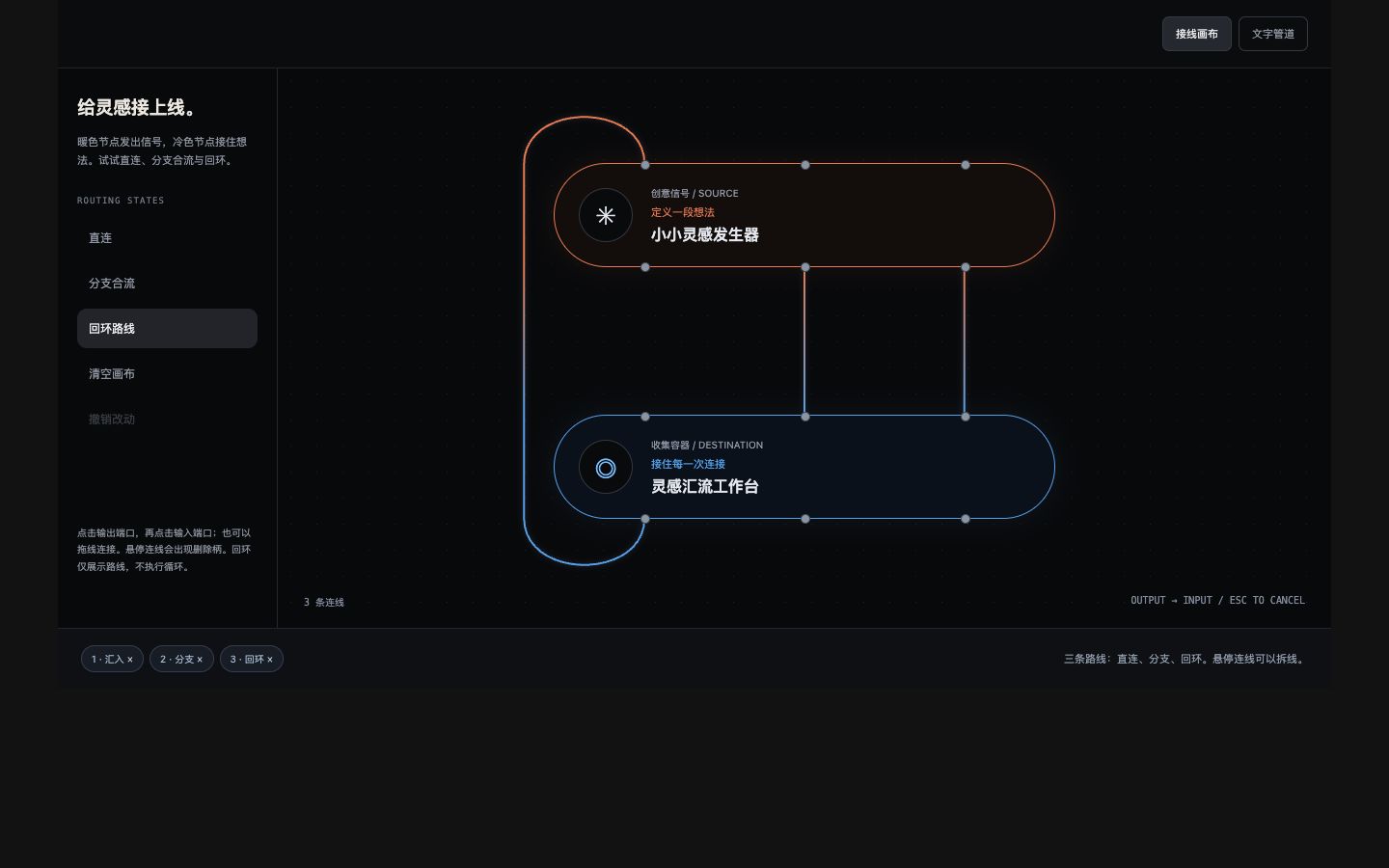
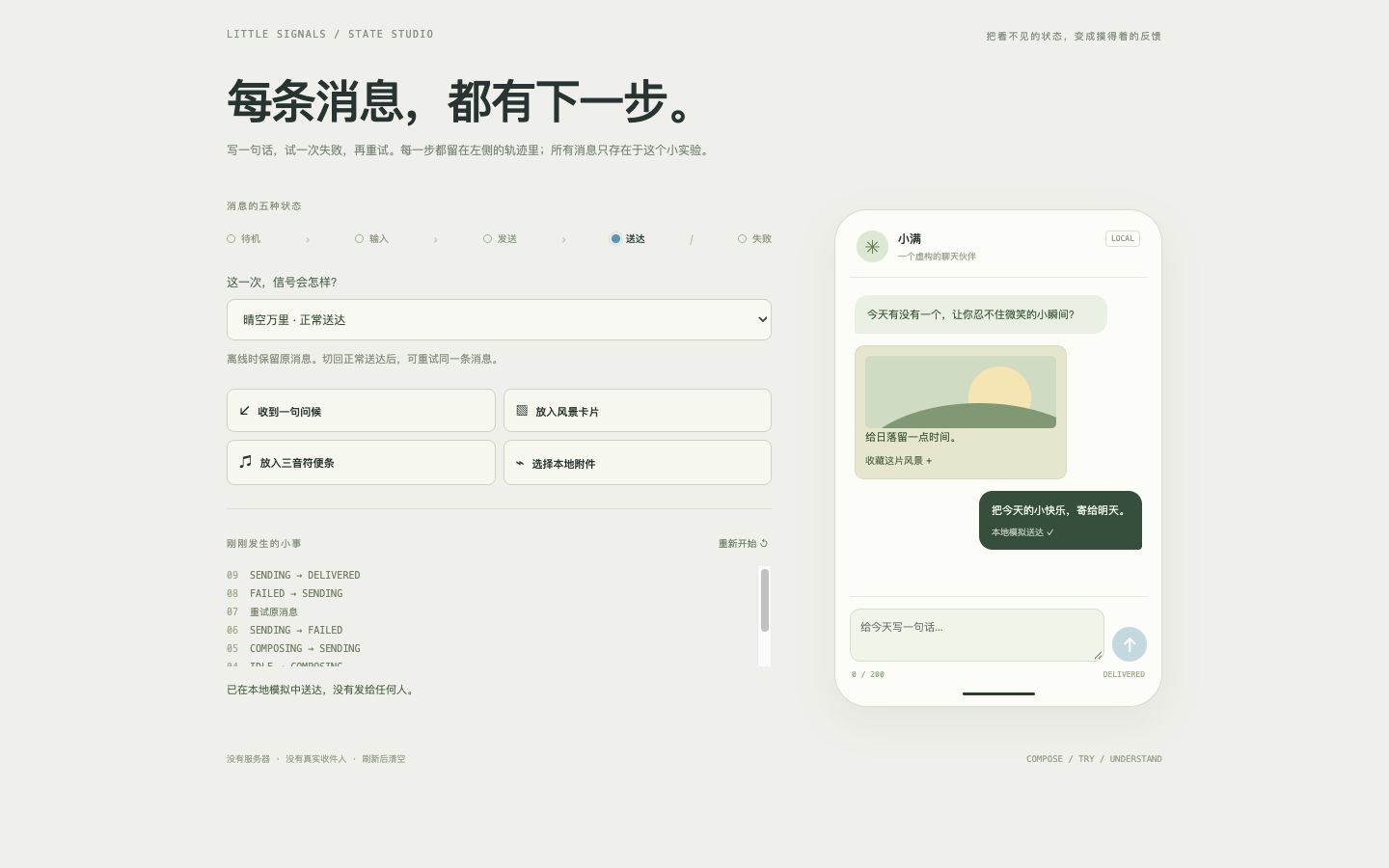
Hand-drawn Highlight Navigation
An editorial navigation template with 2–8 configurable tabs, working content panels, arrow-key controls, and reduced-motion support. SVG outlines adapt to different screen and label widths.
Live demo
Interactive demoHover to preview a ring; click or use arrow keys to switch content.
Open preview in a new windowMake this effect yours
Includes Skill instructions, a Python generator, an HTML template, design notes, and an offline preview. Requires Python 3.10+ with no additional dependencies. Supports custom text and colors, keyboard controls, and reduced motion.
Download SKILL.md only- Download and unzip
Keep the
svg-highlight-nav/folder. ItsSKILL.mdfile is the Skill entry point, and scripts/ contains the generator, templates/ the HTML template, and references/ the design notes. Open preview.html directly in your browser. - Give it to your AI coding assistant
Add the folder to your project and ask your assistant to read SKILL.md. If your tool supports Skills, follow its installation method.
- Describe the result you want
Generate a creative studio navigation with a warm white background, orange highlight rings, and four content tabs: Home, Team, Services, and Work.