Expanding Quick Actions
A light wallet interaction with a sample address, amount previews, keyboard cycling, Escape dismissal, and focus restoration. Demo actions do not connect to payments. Configure the title, subtitle, colors, and three action labels.
Live demo
Interactive demoCustomize & export HTML
Changing settings resets the demo. Downloaded HTML works independently offline.
Tap + to expand, then choose an action to open a demo dialog.
Open preview in a new windowMake this effect yours
Copy SKILL.md into your AI assistant, or customize online and download standalone HTML. The package also includes an optional Python generator, readable template, design reference and offline preview.
Download SKILL.md only- Download and unzip
Keep the
expanding-fab/folder. ItsSKILL.mdfile is the Skill entry point, and scripts/ contains the generator, templates/ the HTML template, and references/ the design notes. Open preview.html directly in your browser. - Give it to your AI coding assistant
Give your assistant SKILL.md alone to implement the specification, or use the full package for ready-made source. Customize online and download standalone HTML without Python.
- Describe the result you want
Generate a blue-black wallet quick-action interface titled Your next move, preserving the receive, send, and exchange demo flows.
Skill source
SKILL.mdRead full Skill instructions
Explore more Skills
Browse all Skills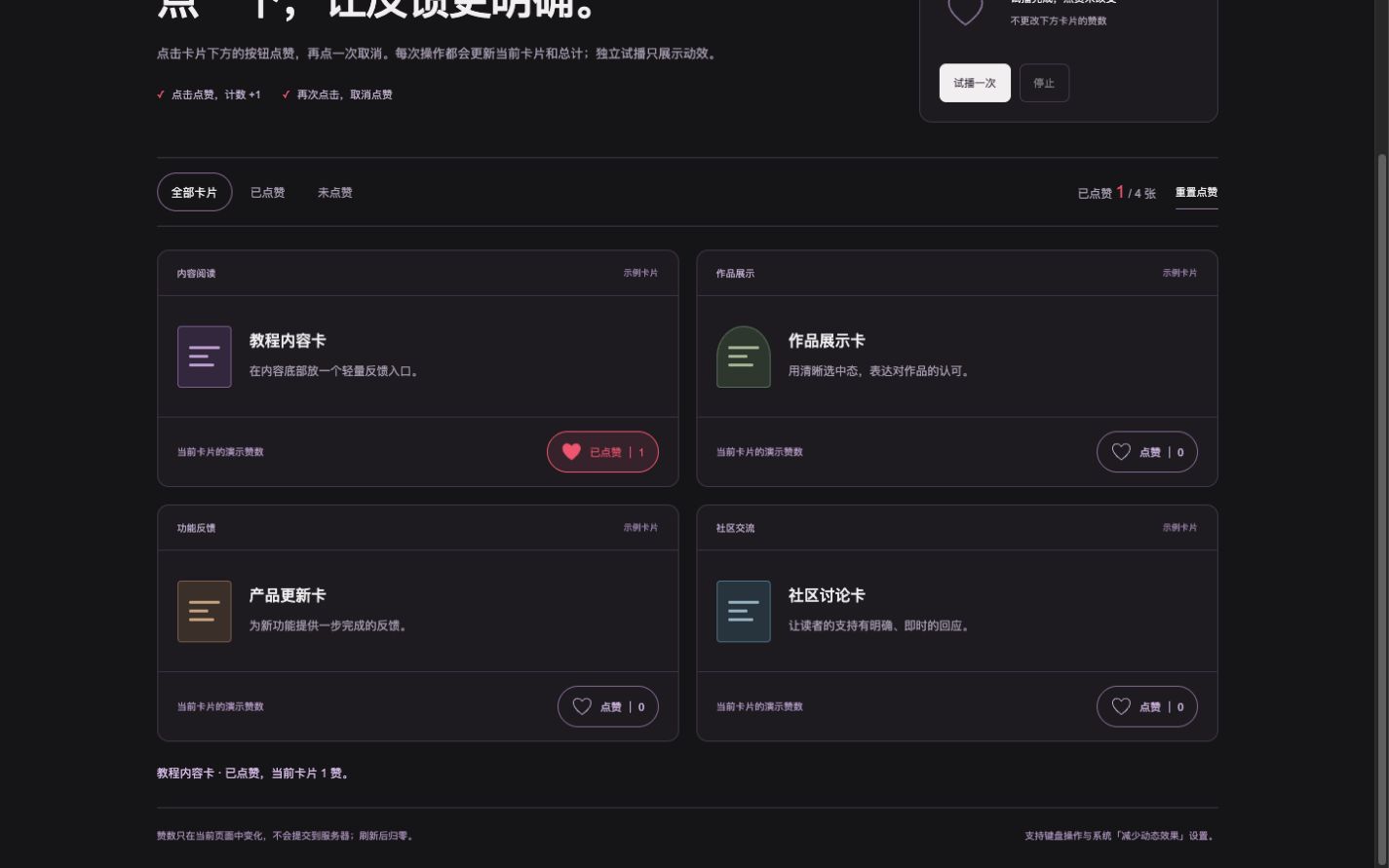
Like Button Feedback
Like and unlike content with changing counts and heart particle feedback.
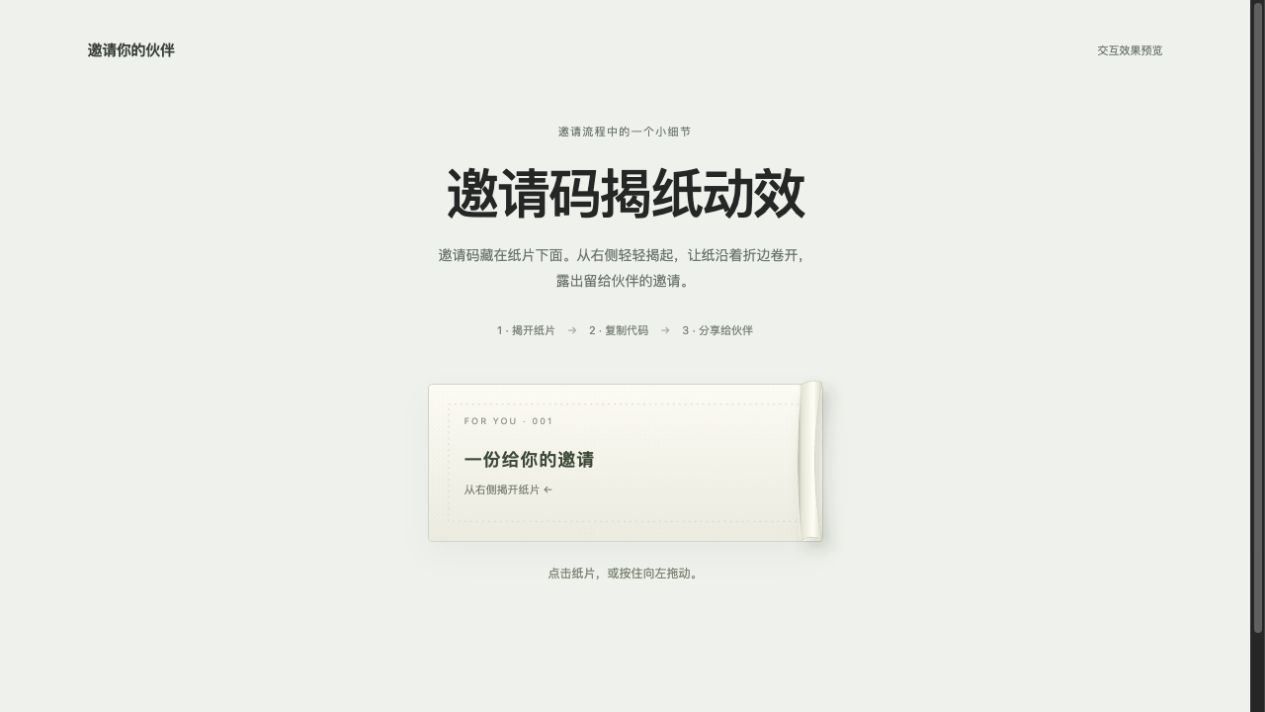
Peel to Reveal an Invite Code
Click or drag the covering paper left to reveal an invitation code, then copy it or cover it again.
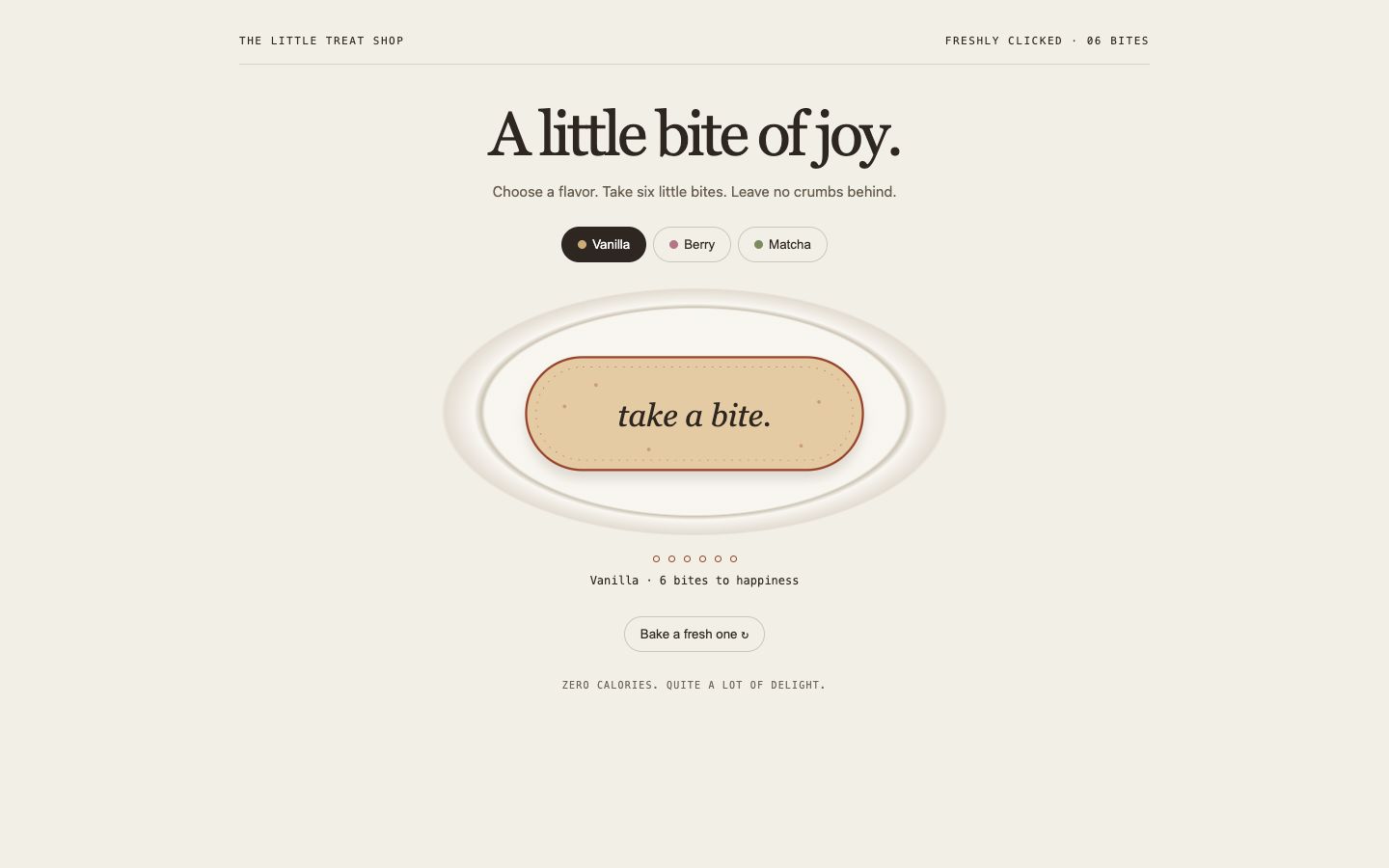
Bite-size Button
An edible capsule with six real bite marks, three flavors and freshly baked repeat rounds.