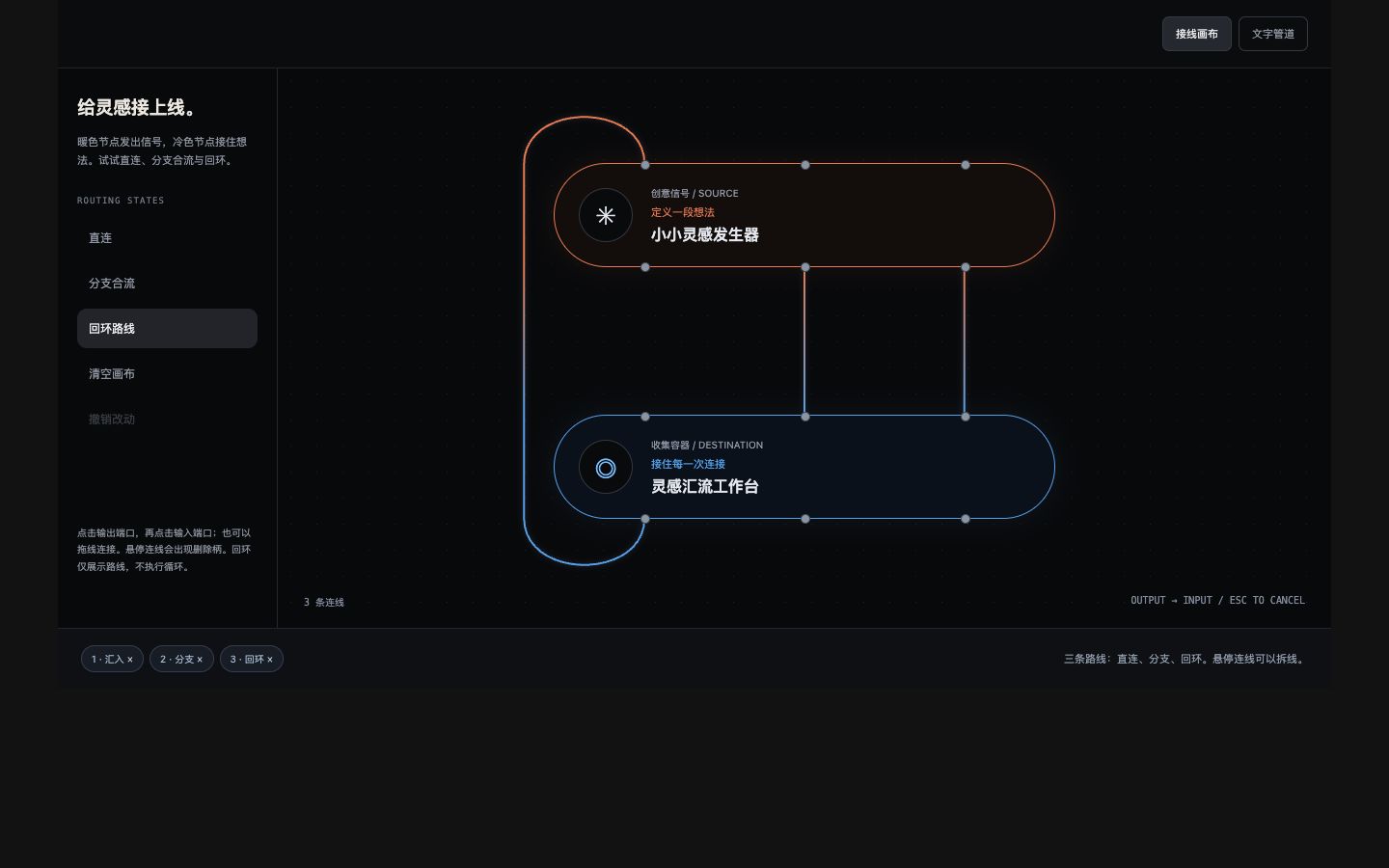
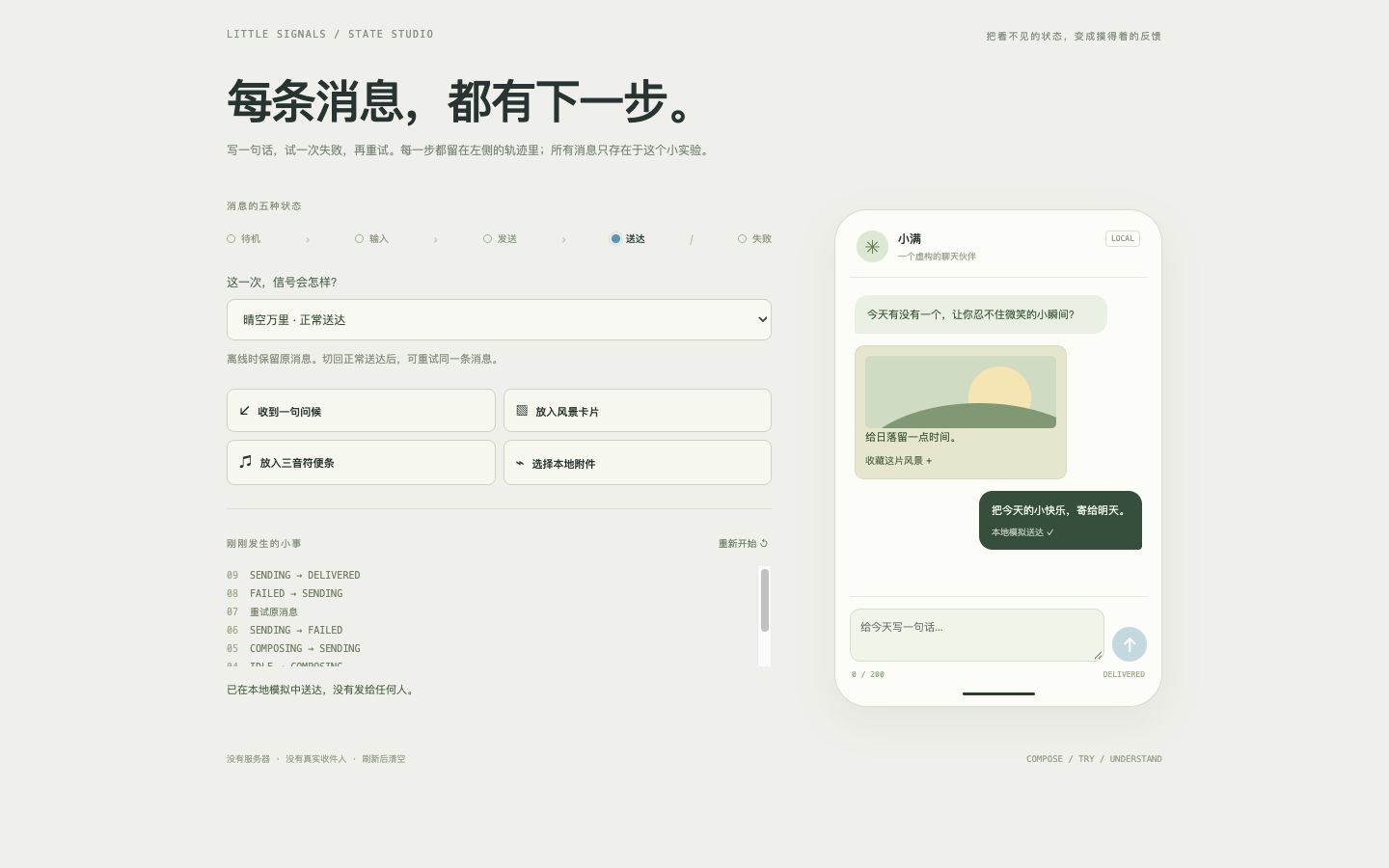
Story Portfolio Canvas
A work-first dark spatial gallery with scattered, grid and orbit layouts, overlapping layers and depth. Filter categories, rotate the featured project and open keyboard-accessible stories. Its scene illustrations are independently created.
Live demo
Interactive demoFilter the work, try the orbit view, then pick an illustration to read its story.
Open preview in a new windowMake this effect yours
Includes Skill instructions, a Python generator, an HTML template, design notes, and an offline preview. Requires Python 3.10+ with no additional dependencies. Supports custom text and colors, keyboard controls, and reduced motion.
Download SKILL.md only- Download and unzip
Keep the
story-portfolio-canvas/folder. ItsSKILL.mdfile is the Skill entry point, and scripts/ contains the generator, templates/ the HTML template, and references/ the design notes. Open preview.html directly in your browser. - Give it to your AI coding assistant
Add the folder to your project and ask your assistant to read SKILL.md. If your tool supports Skills, follow its installation method.
- Describe the result you want
Build a dark studio portfolio with category filters, scatter and orbit views, and project-story dialogs.